Genealogy Bargains is the best site to save money on genealogy and family history including Ancestry, DNA tests and more!


Newest Bargains | FREE STUFF
FREE Legacy Family Tree Webinars | FREE CHEAT SHEETS
My Books | About Thomas MacEntee

World Backup Day: Why Genealogists Can’t Afford to Skip This Annual Wake-Up Call

Posted by

World Backup Day: Why Genealogists Can’t Afford to Skip This Annual Wake-Up Call

World Backup Day: Why Genealogists Can't Afford to Skip This Annual Wake-Up Call

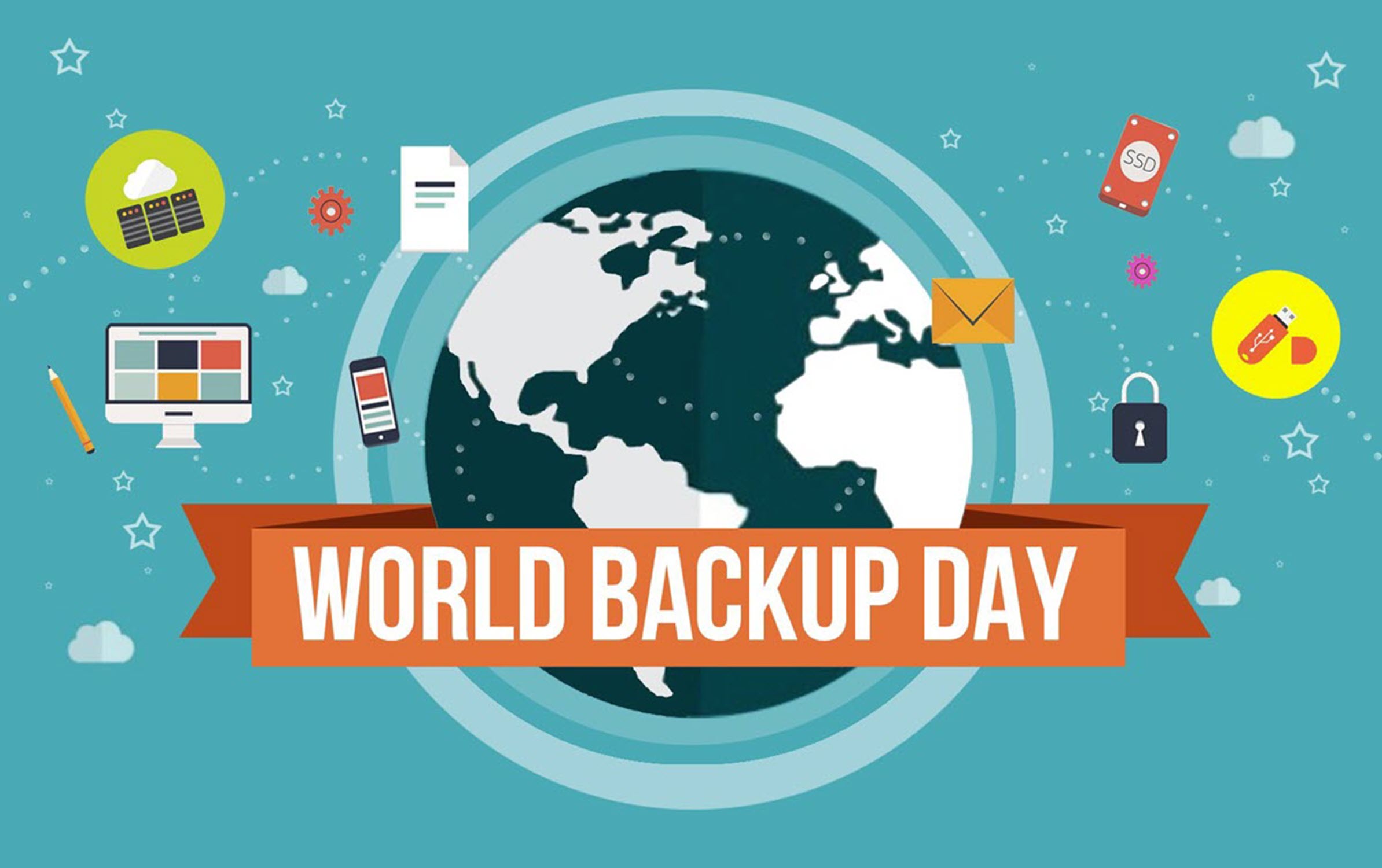
World Backup Day: Every year on March 31—the day before April Fools’ Day, which feels intentional, we observe World Backup Day. The timing is a not-so-subtle reminder: don’t be a fool and lose all your data. For most people, that means protecting vacation photos and tax documents. For genealogists? The stakes are exponentially higher.

Let me be direct with you: if you’re not actively backing up your family history research, you are one hard drive failure away from losing decades of irreplaceable work. That’s not fear-mongering. That’s math.

Why Genealogists Are Especially Vulnerable to Data Loss

Think about what lives on your computer right now. Family trees built over years. Scanned birth certificates, immigration records, and handwritten letters from ancestors who’ve been gone for a century. Historical photographs that exist nowhere else on earth. DNA results and chromosome comparisons. Research notes filled with source citations and breakthrough theories you’d never remember if you had to start over.

None of that can be recreated. A hard drive is a mechanical device with moving parts—and mechanical devices fail. Hardware failure accounts for a significant chunk of annual data loss, but it’s not the only threat. Ransomware attacks, accidental deletion, theft, house fires, and flood damage claim countless irreplaceable files every year. Millions of people experience data loss annually, and I’d wager genealogists feel that loss more deeply than almost anyone else.

World Backup Day exists because most of us only think about backup after disaster strikes. Don’t let that be you.

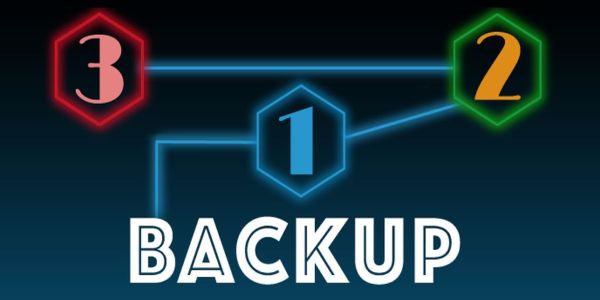
The 3-2-1 Backup Strategy: Your Family History’s Best Defense

The gold standard in data protection—for individuals and major corporations alike—is the 3-2-1 backup strategy. Here’s what it means in plain English:

  • 3 copies of your data (your original plus two backups)
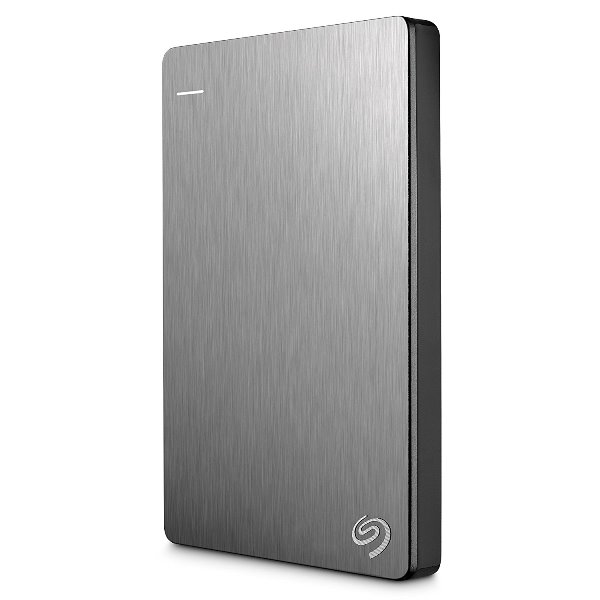
  • 2 different types of storage media (your laptop and an external drive, for example)
  • 1 copy stored offsite (in the cloud, at a relative’s house, or in a safe deposit box)

Why does this matter? Because disasters don’t care how organized you are. If your house floods, your computer and the external drive sitting next to it both go under. That offsite copy—whether it’s cloud storage or a drive you keep at your sister’s place—is the one that saves you.

For genealogists, I’d actually push this a step further: treat your DNA data and your most critical scanned documents as their own backup category. Download your raw DNA data from every testing company and make sure it’s included in your rotation.

The Tools That Get the Job Done

Portable SSDs: Your New Best Friend

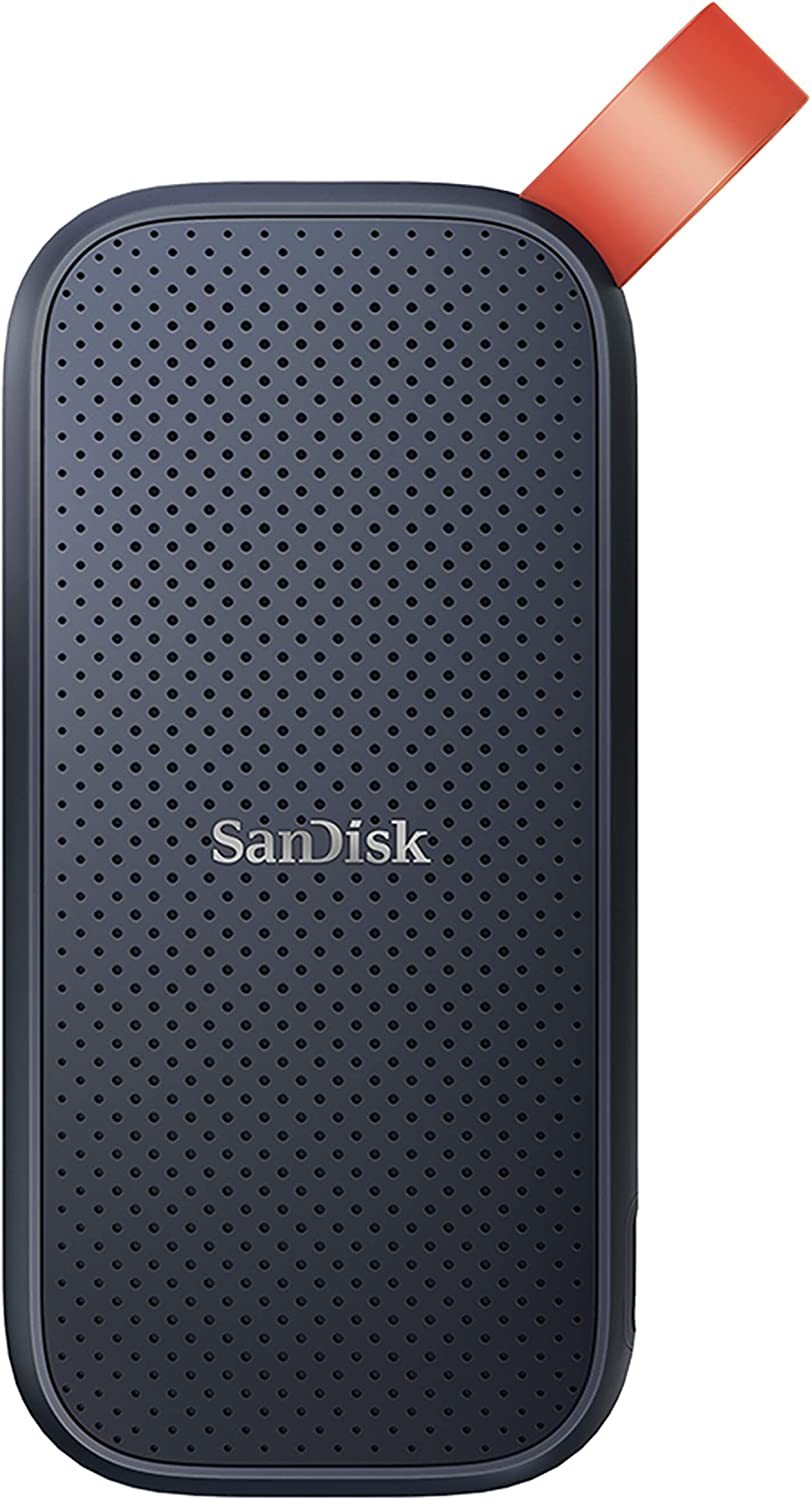
If you’re still using a spinning-disk external hard drive, it’s time to upgrade. Portable SSDs (solid-state drives) have no moving parts, which means they’re dramatically more resistant to drops, bumps, and the general chaos of real life. They’re faster, lighter, and increasingly affordable.

For genealogists who travel to archives, courthouses, or family reunions with their research, a portable SSD is a no-brainer. I recommend keeping one dedicated entirely to your genealogy files—family trees, document scans, photos, DNA downloads, the works.

👉 CLICK HERE to shop portable SSDs on Genealogy Bargains—find the best deals on top-rated drives perfect for protecting your family history research.

Genealogy Cyber Weekend Roundup! Amazon Sale SSD: Backup Your Genealogy Research and Save on SanDisk 2TB Portable SSD!

Cloud Backup: The Offsite Copy You’ll Actually Use

The “1 offsite” in 3-2-1 used to mean physically driving a hard drive somewhere. Today it means subscribing to a cloud backup service and letting it run quietly in the background. Services like Backblaze, iDrive, and Carbonite offer continuous or scheduled backup of your entire computer—including all those genealogy files—for a reasonable annual fee.

The difference between cloud storage (like Google Drive or Dropbox) and cloud backup is worth knowing: storage syncs selected folders, while backup typically captures your entire system. For comprehensive protection, consider using both.

World Backup Day:  FREE CHEAT SHEET Backing Up Your Genealogy Data

I just put the finishing touches on my biggest genealogy cheat sheet EVER! Backing Up Your Genealogy Data covers the reasons why you should backup your data, how to create a data backup plan, the 3-2-1 Backup Plan, how to identify data for backup, backing up to 1) media such as an external solid state drive, 2) an online backup program like Carbonite or Backblaze, and 3) backing up to cloud based programs such as Dropbox. Click HERE or the image below for your free download!

FREE CHEAT SHEET Backing Up Your Genealogy Data

World Backup Day: Do It Before April Fools’ Day

Here’s your assignment: before March 31st, check your current backup situation. When did you last back up your genealogy files? Do you have an offsite copy? If the answer makes you uncomfortable, that’s your sign.

World Backup Day isn’t about guilt—it’s about taking one afternoon to set up a system that protects everything you’ve worked so hard to build. Your ancestors left you their stories. Make sure you’re leaving those stories intact for the next generation.

Don’t be a fool. Back it up.

* * *

Author’s Note: I want to be transparent that this content – World Backup Day: Why Genealogists Can’t Afford to Skip This Annual Wake-Up Call – was created in part with the help of an artificial intelligence (AI) language model – PLATFORM. The AI assisted in generating an early draft of the content, but every paragraph was subsequently reviewed, edited, and refined by me. The final content is the result of extensive human curation and creativity. I am proud to present this work and assure readers that while AI was a tool in the process, the story, style, and substance have been carefully shaped by the author.

Ancestry US